
Your trading journal, written for you.
XZT Diary hooks straight into MetaTrader 5 and logs every trade you take — entries, exits, risk, R, partials, break-evens — automatically, in the background, while you trade. No spreadsheets. No typing. No missed trades.
Part of the XZT trio bundle · Licensed per machine
How it works
Install it once, add your account, and forget it exists. The diary does the rest from the system tray.
Connect your MT5 account
Point the diary at your running MT5 terminal and add your account number. It runs a full sync instantly — your whole trade history is journaled in seconds.
It reads. It never touches.
The diary attaches to the terminal you already have open and reads trade data only. It will never open, close, or bring an MT5 window to the front — your EAs keep running untouched.
Trade. It journals.
Every trade lands in your diary automatically — synced every 5 minutes in the background (you choose the interval). Add notes, confluences and screenshots when you review.
See it in action
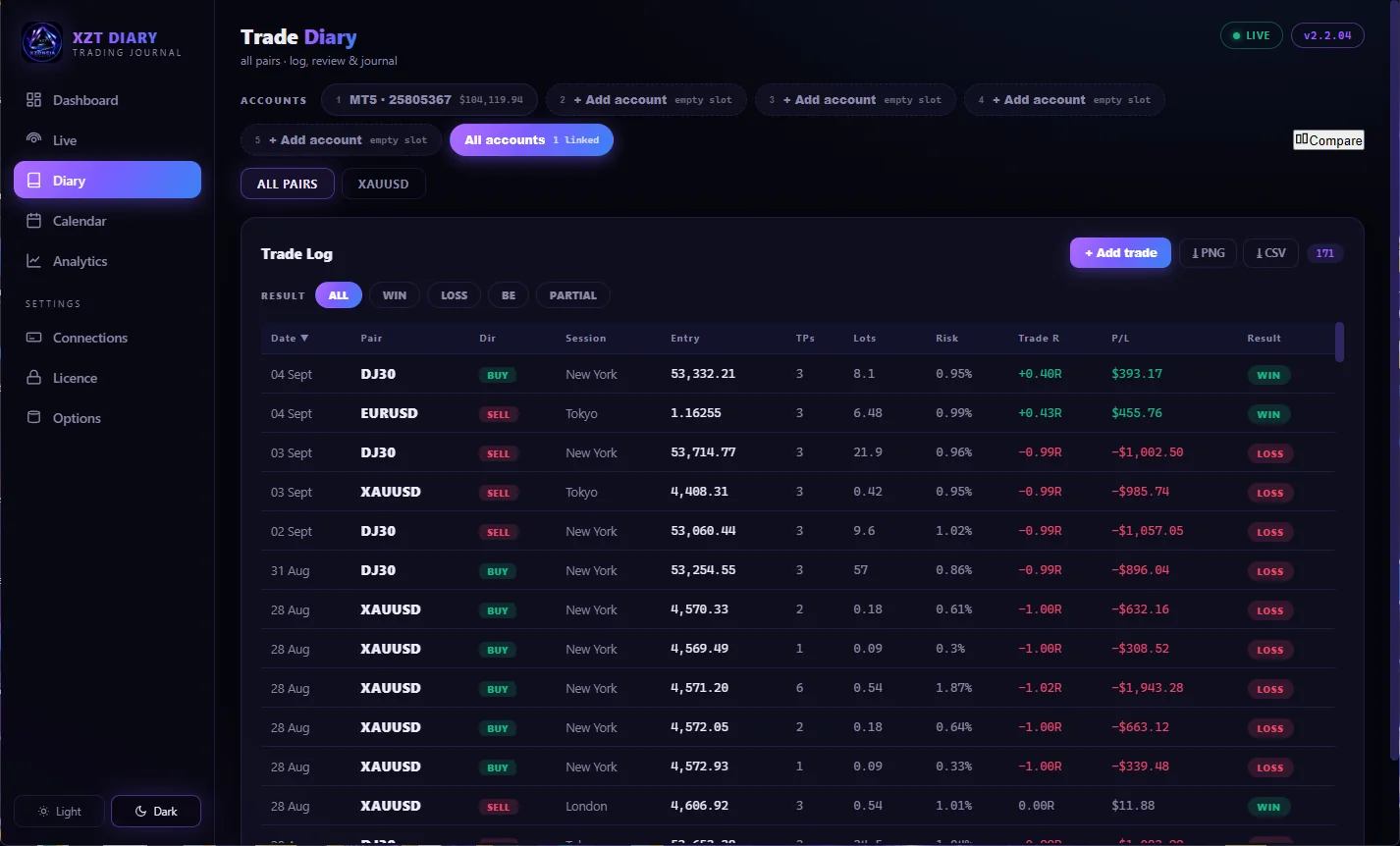
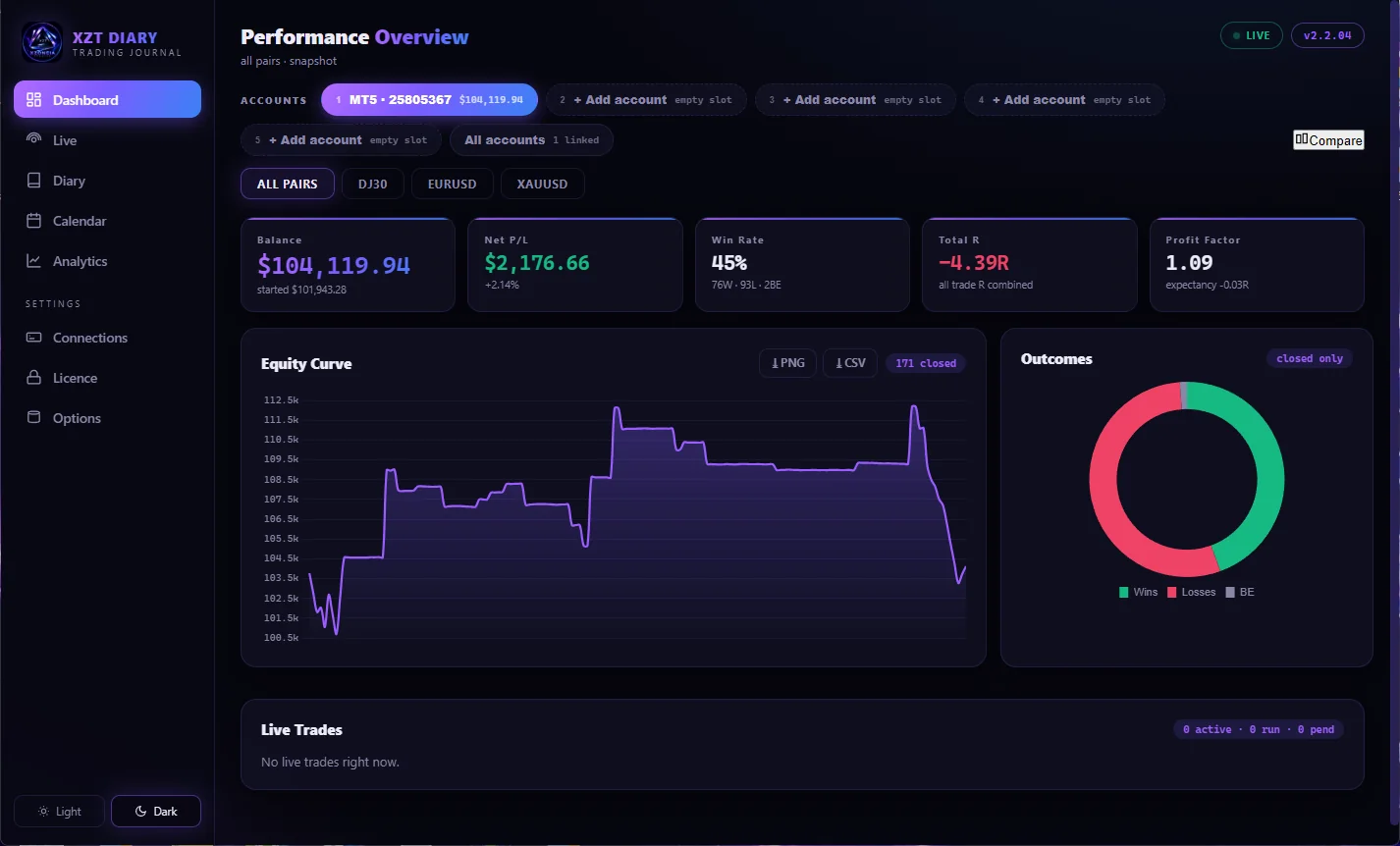
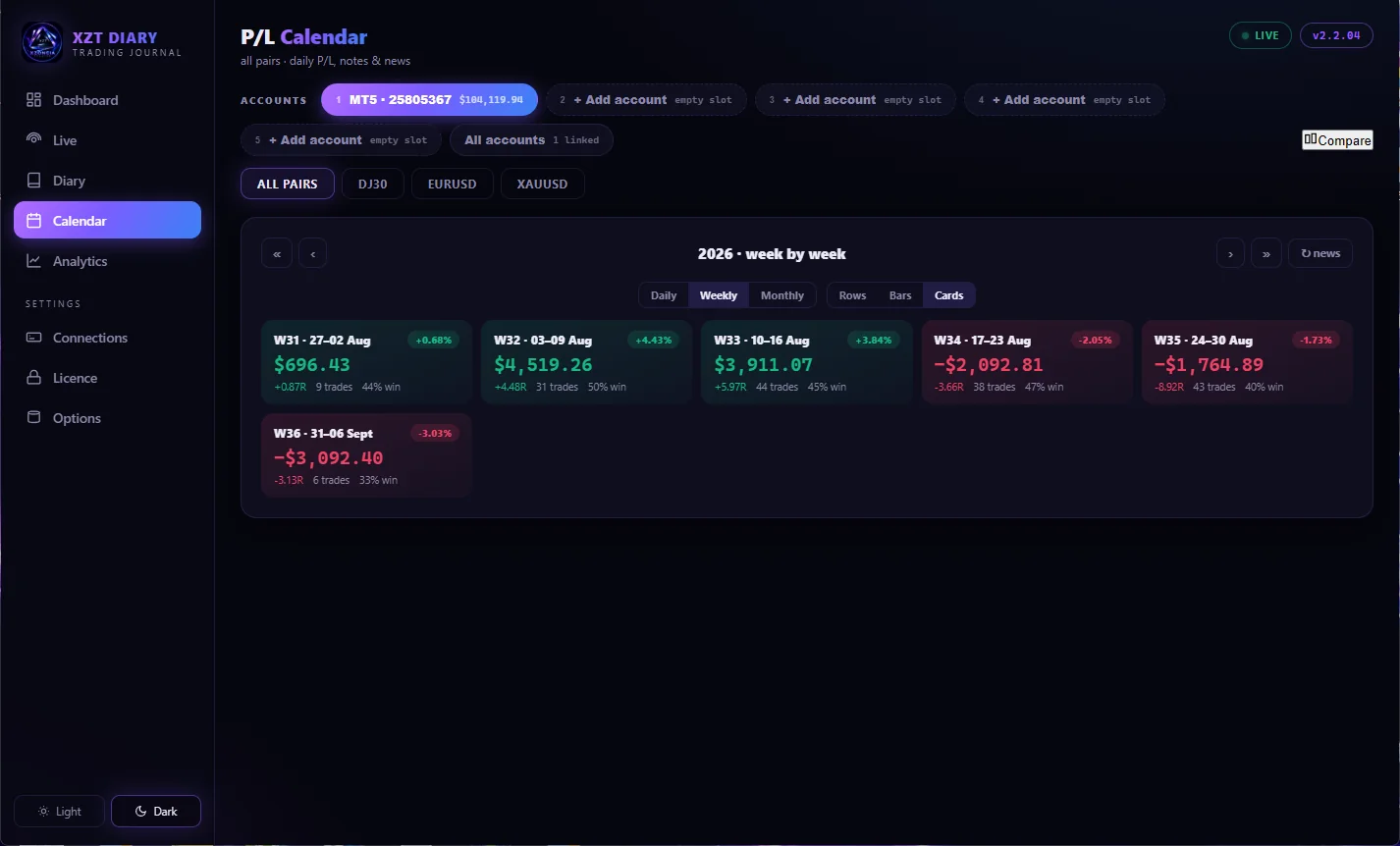
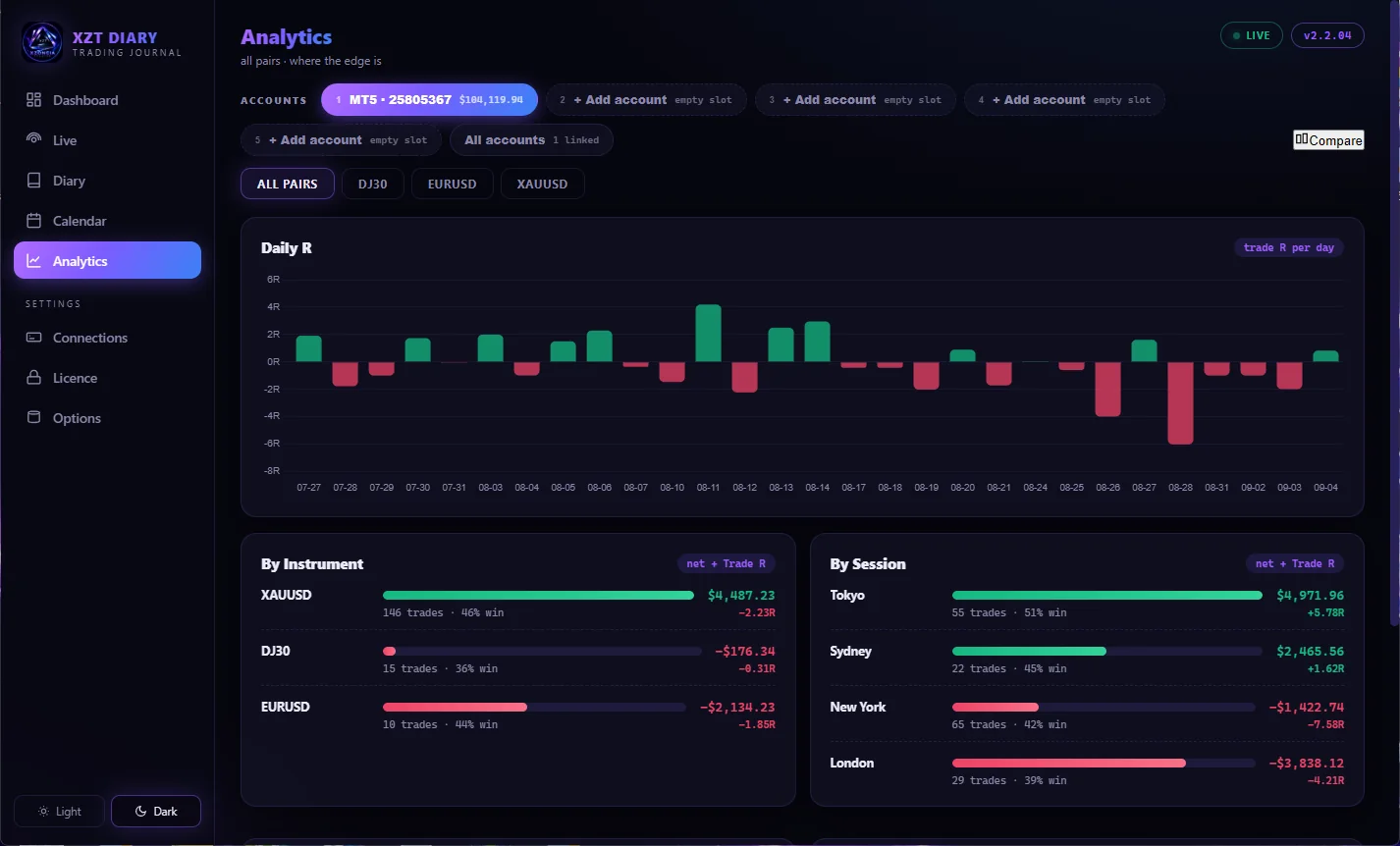
Straight from the app — your stats, your calendar, your trades.
Everything a serious journal should do
Built by a trader who was sick of journals that only understand one trade, one entry, one TP.
Every trade. Every source.
XZT software trades, manual trades, and trades from any other EA — all captured. Multi-TP strategies are linked into one trade with legs and total risk summed correctly.
Real risk numbers
Risk % is calculated per trade from your actual SL distance, lot size, contract specs and account balance — not guessed. Entry price and risk sit right in the trade log.
R-multiple tracking
Planned RR, achieved R, TP-by-TP outcomes, partial closes and break-evens tracked per leg — so your stats reflect how you actually trade.
SL/TP change history BETA
The Journal Reader digs into MT5's own journal logs to recover stop-loss and take-profit modifications — even on trades placed outside XZT software — and spots when you moved to break-even.
Performance calendar
See your results by day, week or month — three selectable layouts (rows, bars or cards) — with totals and win/loss at a glance across a full year of trading.
Share cards BETA
Turn any trade into a clean price-ladder card — entries, TPs, R and result laid out on the ladder — ready to share. Improving with every update.
Confluences & notes
Tag setups and confluences, write your review, attach screenshots. Build the habit that actually improves your trading.
Multiple accounts
Journal several MT5 accounts side by side — live, demo and prop — each fully synced and kept separate.
Set-and-forget
Lives in your system tray, starts with Windows, syncs quietly in the background. Closing the window doesn't stop it. Backups and restore built in.
Built for accounts running EAs
Most journal tools are built for click traders. XZT Diary was built on a machine running four MT5 programs at once.
Guaranteed hands-off MT5
The diary refuses to start an MT5 terminal itself and can never close one — quitting the diary leaves every terminal and every EA exactly as they were. It won't even bring an MT5 window to the front. If your terminal isn't already running, the diary simply waits. Your automation is never at risk from your journal.
The details
What you need and what you get.
Requirements
- Windows 10 / 11 (64-bit)
- MetaTrader 5 desktop installed and running
- Internet connection for licence activation
- Works alongside any broker's MT5 and any EAs
Licensing & data
- Licence activated online, tied to your machine
- Your trade data stays on your PC — local database, local backups
- Compiled native app — installs like any Windows program, with an uninstaller
- Payments & subscriptions handled securely by Stripe
One bundle. The whole XZT stack.
XZT Diary ships as part of the XZT trio — the trader, the forwarder and the diary working as one pipeline: signal in, trade placed, journal written.